From purchase order to payment to reconciliation connect every step, eliminating dual entry and full visibility in real time.

What was once a tedious process of sitting and approving accruals vendor by vendor is now done in one click, saving hours of work.
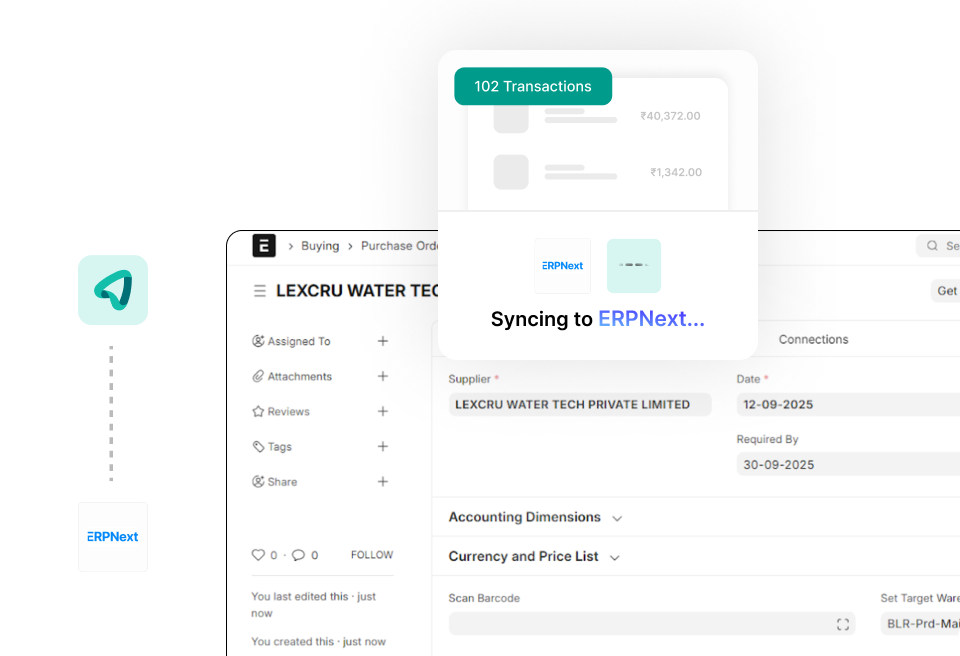
Mysa automatically ingests vendor details, PO data, GRN records, and financial terms from ERPNext. Your team works in one system while Mysa handles the data synchronization across procurement and payment workflows.
When an invoice arrives, Mysa pulls the associated POs and GRNs from ERPNext. Your team reviews matched line items side-by-side and approves with complete visibility into procurement history.
After invoice approval in Mysa, bill and payment vouchers sync back to ERPNext automatically. Your accounting records stay current without manual journal entries or payment reconciliation.

Mysa calculates GST, TDS, TDS Gross Up, and RCM at the line item level based on your ERPNext master data.

Pay vendors from multiple bank accounts - sync payments back to ERPNext automatically.

Mysa auto-syncs vendor bank details, GST, TDS, payment terms, and compliance data - no manual work.
Everything you need to know, answered for you.
Mysa connects to ERPNext via APIs and syncs vendor data, POs, GRNs, and configurations. Invoice approvals and payment updates flow back to ERPNext automatically.
Yes. Mysa supports both ERPNext cloud and self-hosted deployments, with minor setup differences based on your environment.
Non-PO invoices follow configurable approval workflows based on rules like department, amount, or expense category, without PO matching.
Most ERPNext integrations are completed within 1–2 weeks, depending on custom fields, workflows, and data mapping requirements.
Yes. You can map custom fields, cost centers, departments, and other ERPNext attributes during implementation.
Mysa flags mismatches during 2-way or 3-way matching so teams can review, document variances, and route for additional approvals if required.
Yes. Mysa supports multiple ERPNext companies with separate workflows and approvals, managed from a single dashboard.
Mysa reads TDS settings from the ERPNext vendor master, calculates TDS automatically, and syncs entries back for compliance reporting.
Yes. You can choose which vendors or payment types are processed through Mysa while others remain in ERPNext.
Mysa supports NEFT, RTGS, IMPS, UPI, and cheques, with payment details syncing back to ERPNext automatically.
See how Mysa creates a complete procure-to-pay process for ERPNext users.